
Start with your product.
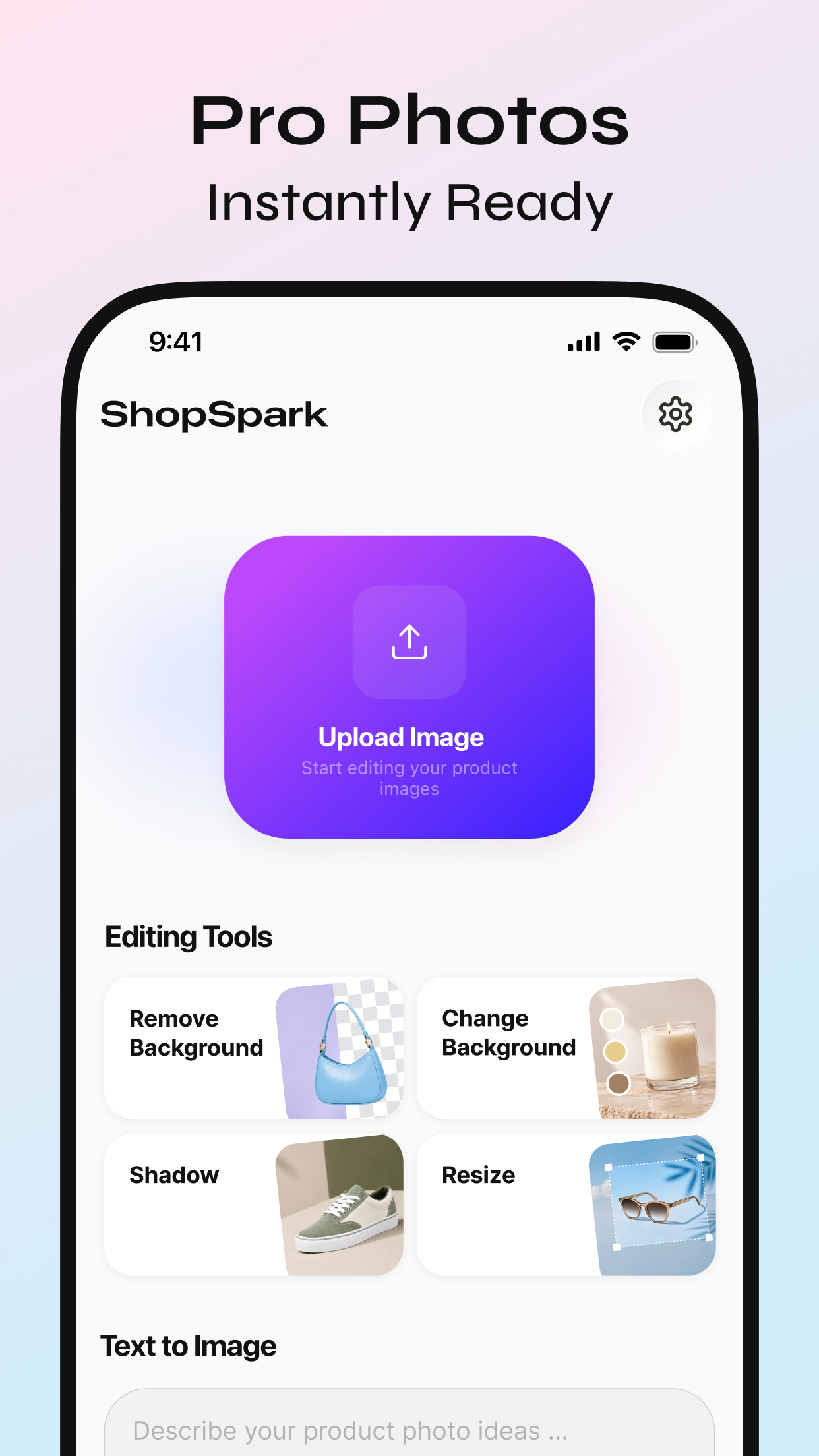
Upload a raw product photo and let ShopSpark prepare it for the next creative step.
AI E-commerce Content Studio
Transform raw product shots into polished studio‑grade visuals in seconds with this all‑in‑one AI photo editor and creative studio — no photo studio, costly lighting gear or advanced design skills required.
Built for e-commerce sellers, online stores, and creators.
Built for seller efficiency
Create a polished listing image without a studio setup, complicated design tools, or a scattered asset workflow.
Upload a raw product photo and let ShopSpark prepare it for the next creative step.
Remove backgrounds, build a scene, add depth, and align each image to your storefront format.
Save cutouts and finished visuals so your next campaign starts with work you already trust.
Editing tools
The essentials for cleaner product photos and consistent storefront-ready images—all in one mobile workspace.
Isolate the product from its original setting for a clean starting point.
Replace cluttered shots with a scene that fits your product and campaign.
Bring product images into the scene with natural-looking depth and contact.
Adapt product visuals across square, portrait, and landscape formats.
Product editing, reimagined
Templates
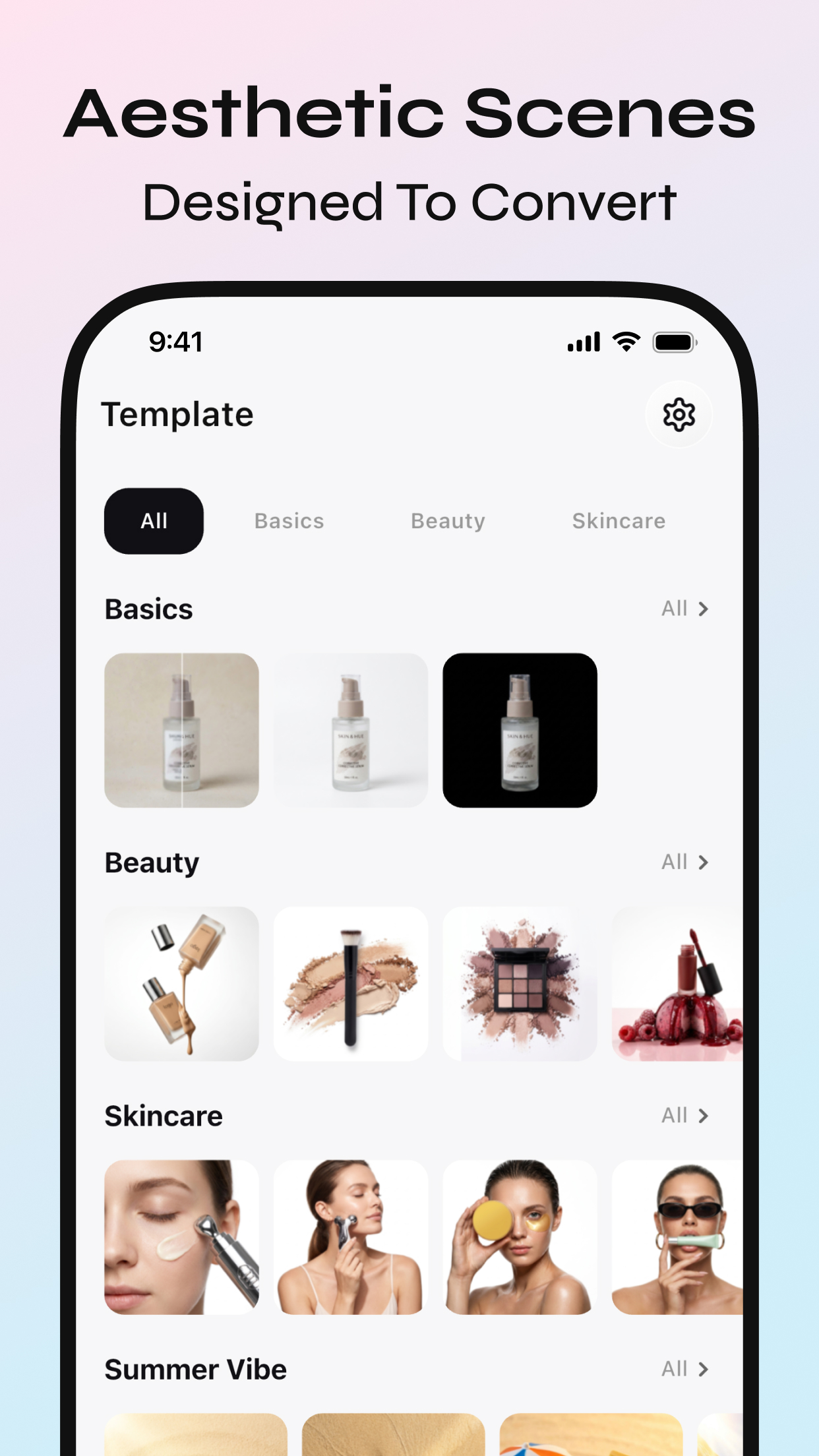
Explore ready-to-use product scenes across Basics, Beauty, Skincare, and seasonal collections—each made to help your listings look considered and consistent.
Batch Edit
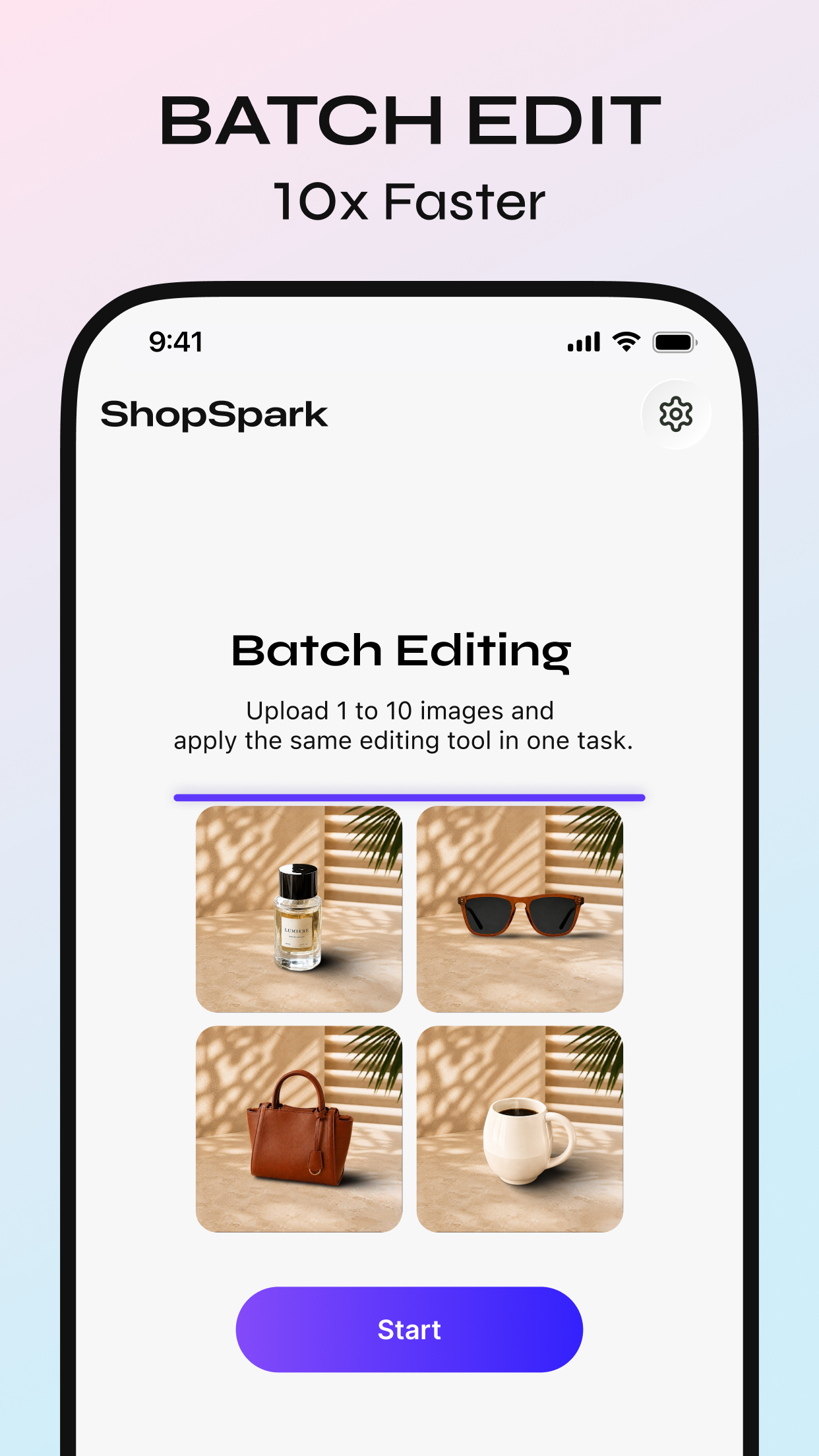
Upload 1 to 10 product images in one task, then apply the same image treatment across your selected products.
Asset Manager
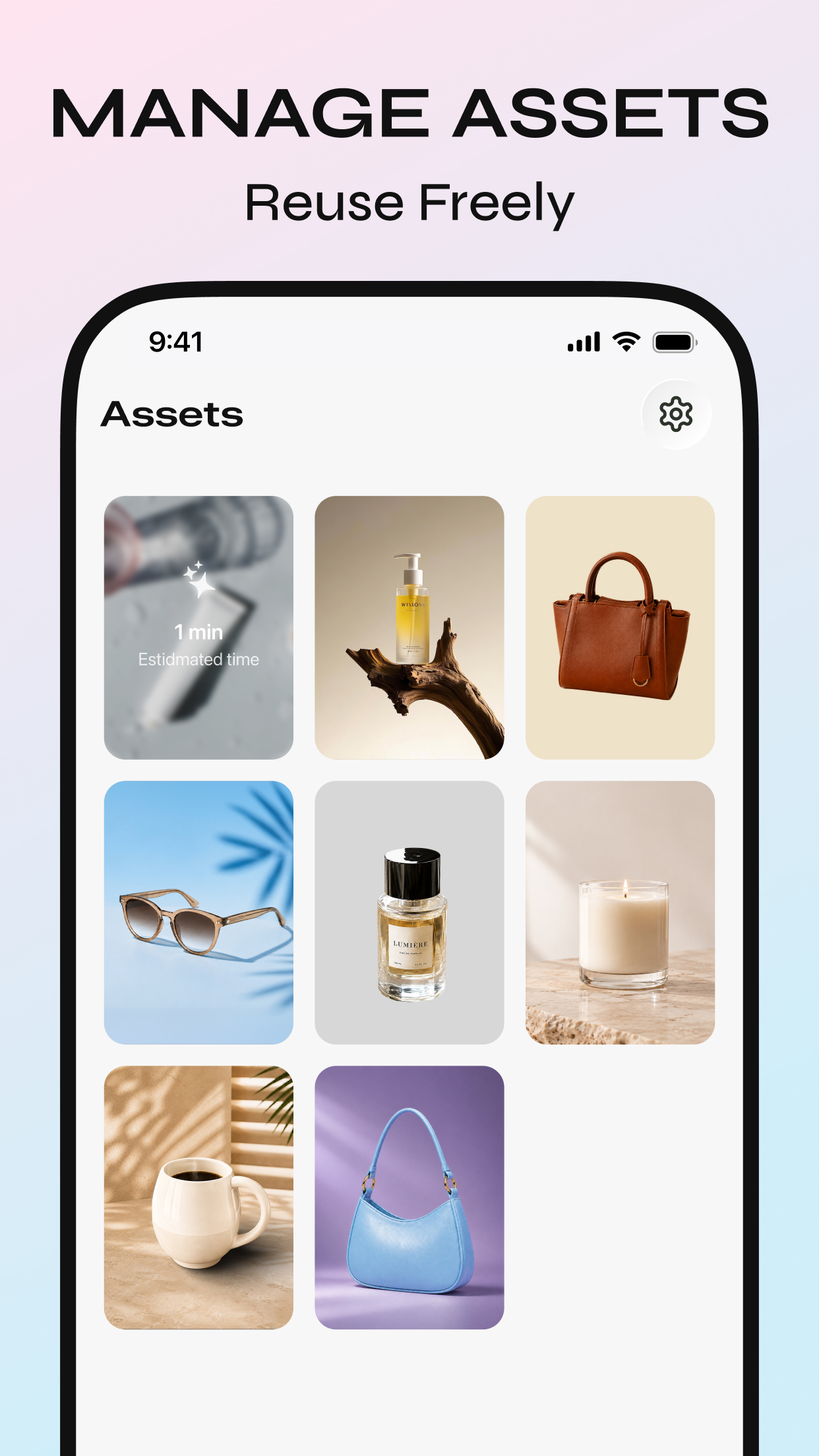
Keep product cutouts, generated scenes, and completed visuals in one personal workspace, ready to reuse whenever the next idea arrives.
ShopSpark Support
Questions about ShopSpark, product feedback, or a feature suggestion? Send our team a message and we’ll be glad to help.
Email Address shopsparkapp@outlook.com ↗ShopSpark helps you edit product photos with background removal, new scenes, shadows, resizing, AI-generated visual ideas, and reusable assets.
Upload 1 to 10 product images in a single task and apply the same selected editing workflow across that set.
Finished edits, useful cutouts, and saved visual results can be kept in your ShopSpark asset workspace for later reuse.
Email shopsparkapp@outlook.com with your question or suggestion. We value feedback that helps improve the app experience.